Illustrations
& Motifs
Download Textures
Every Product.ai illustration is created as a bespoke piece — forensic, precise, and built to make the invisible visible. This section provides the foundational textures and patterns that underpin our visual language. For custom illustrations, work directly with the design team.
Evidence Illustrations
Our illustration system borrows from forensic, scientific, and engineering visual language. Every graphic earns its place by making the invisible visible. We show literal objects beautifully rendered, not abstract diagrams requiring interpretation.
Information, not decoration
Show the work, don't tell
Technical precision over artistic flourish
If it doesn't reveal structure, process, or proof—it doesn't belong
What This Looks Like
A clear distinction between illustration styles that support our brand and those that contradict it.
Allowed Styles
- HUD-style readouts and overlays
- Isometric technical diagrams
- Annotated wireframes and blueprints
- Data visualizations (charts, graphs, scatter plots)
- Grid systems and structural overlays
- Literal objects rendered cleanly
- Technical callouts and measurements
Avoid
- Abstract blobs and organic shapes
- Decorative flourishes without function
- Marketing clichés (lightbulbs, rockets, clouds)
- Soft gradients for aesthetic purposes
- Anything requiring explanation to understand
Monochrome + Strategic Violet
Illustrations are primarily monochromatic, with Axi Violet reserved for emphasis, active states, and verified indicators.
Base Palette
Illustrations primarily use White, Zinc-400, Zinc-600, Zinc-950 on near-black backgrounds. Line work uses rgba(255,255,255,0.1) for subtle grids.
Violet Usage
Highlights and active states. Data points requiring emphasis. Live/verified indicators. Interactive elements in diagrams.
Application Examples
Real examples of how the illustration system manifests across different contexts.
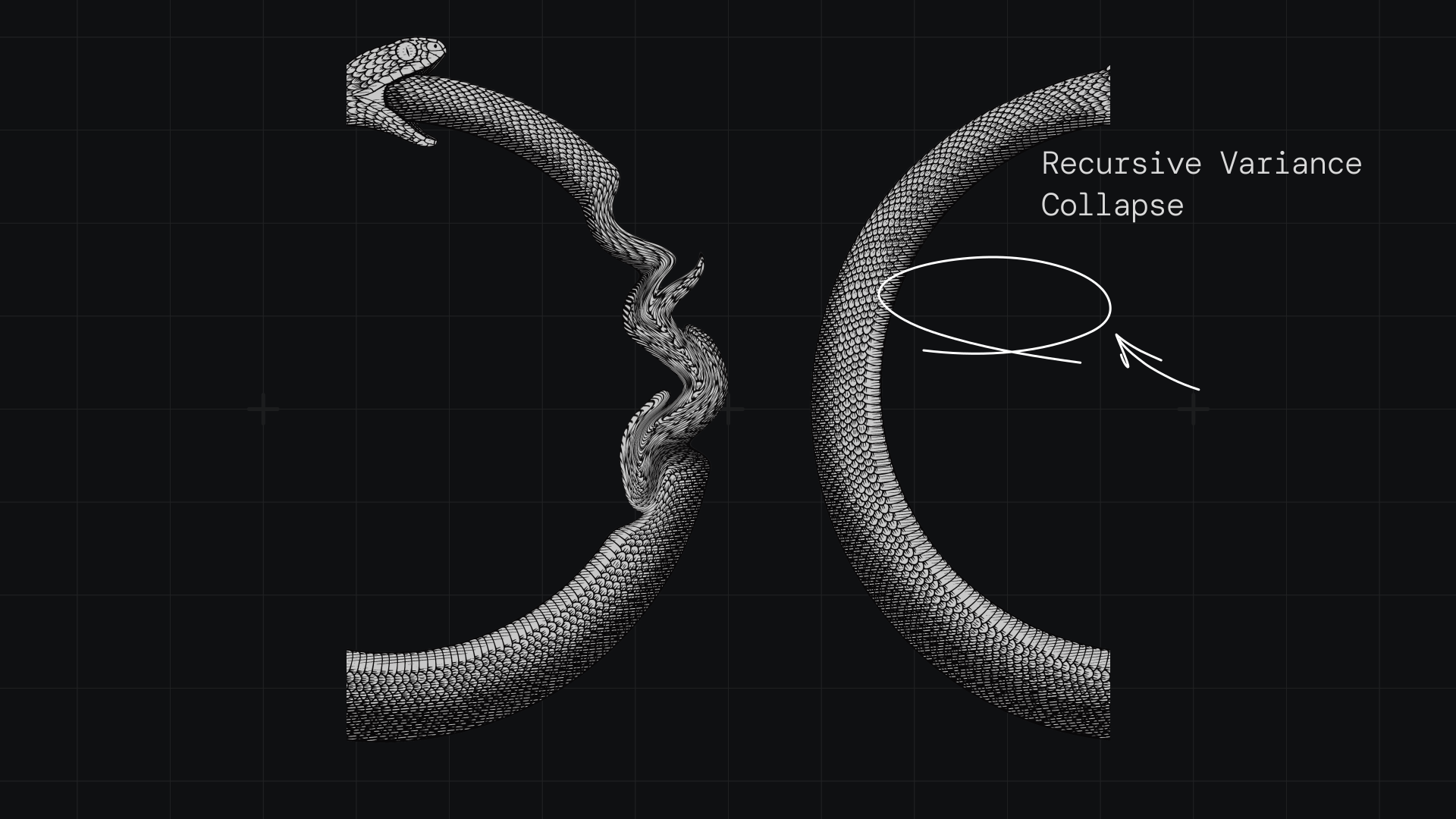
Annotated Concepts
Conceptual graphics with technical annotations. Showing process, not abstraction.
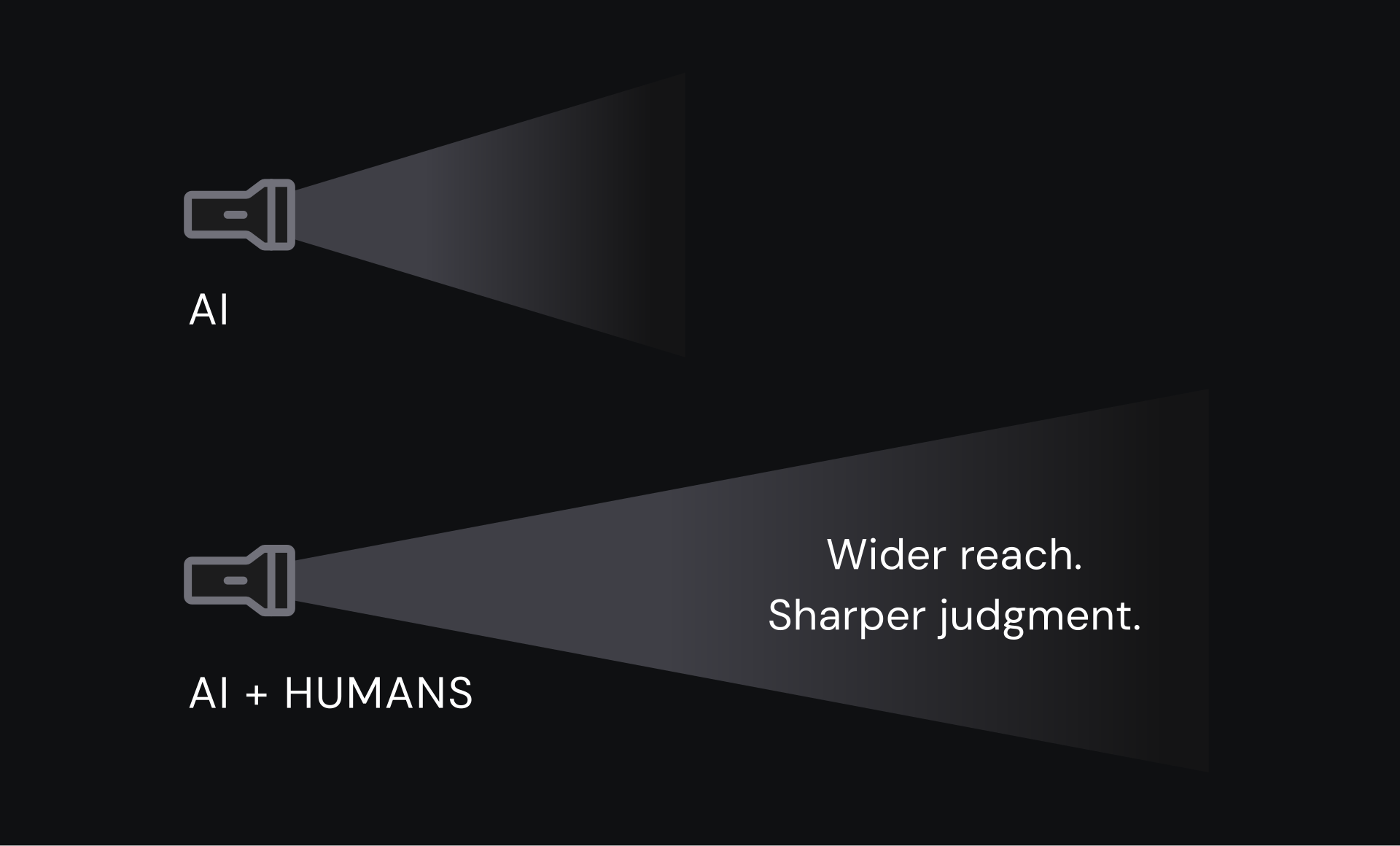
System Architecture
Technical diagrams showing data pathways, system layers, and architectural relationships.
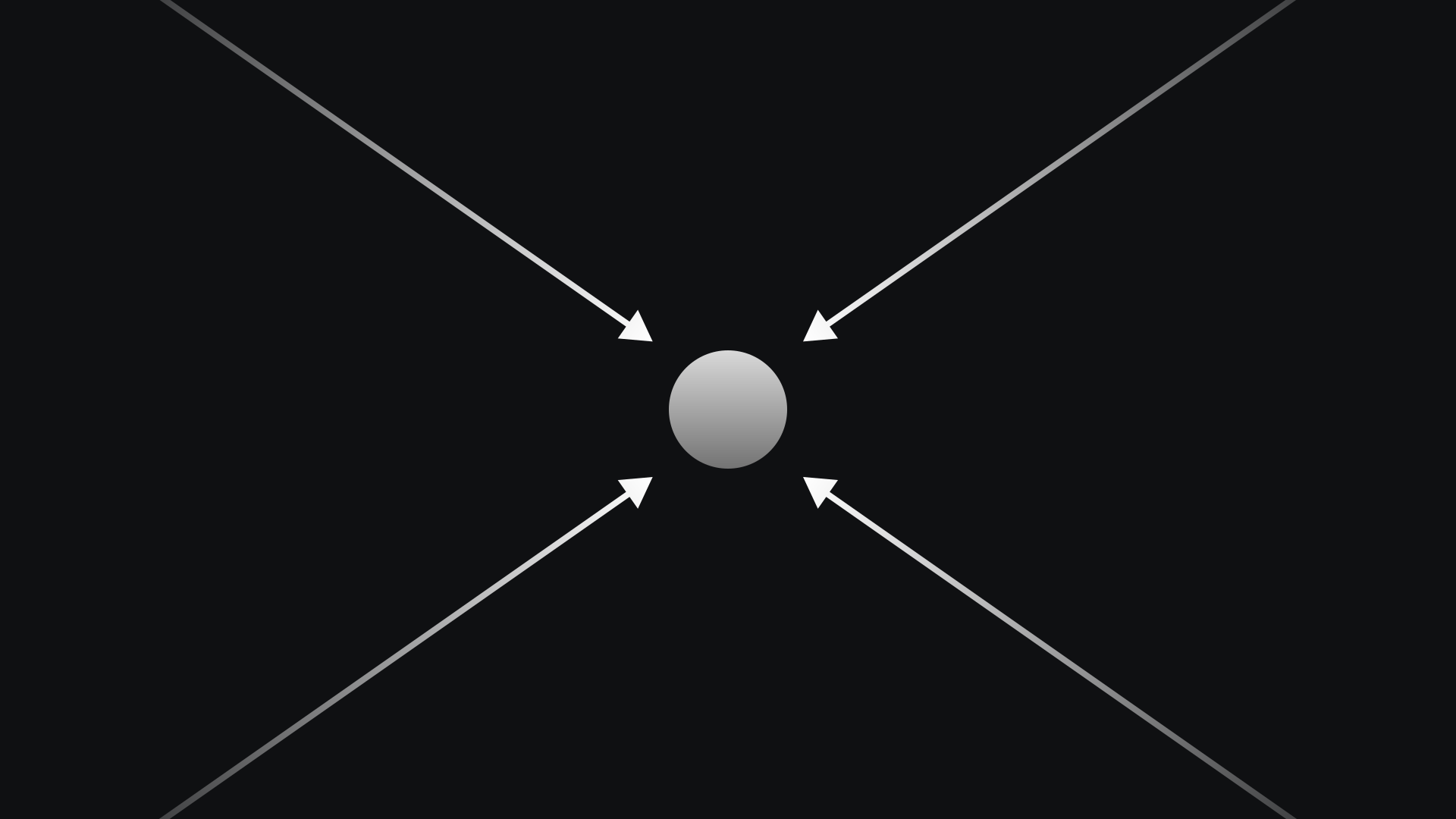
Structural Diagrams
Geometric compositions showing directional flow, forces, and structural relationships.
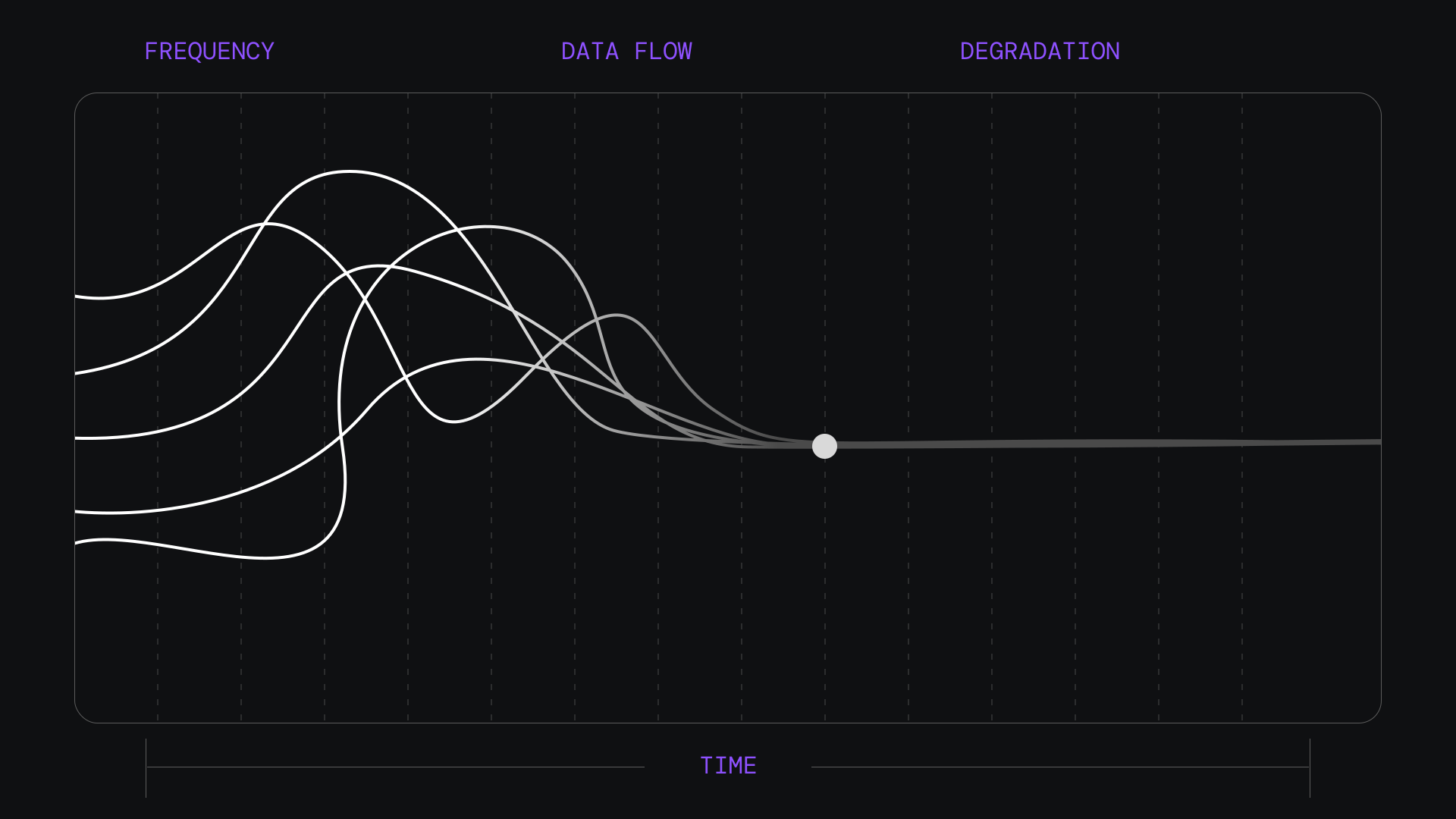
Comparison Charts
Side-by-side comparisons, trust verification models, and structural contrast diagrams.
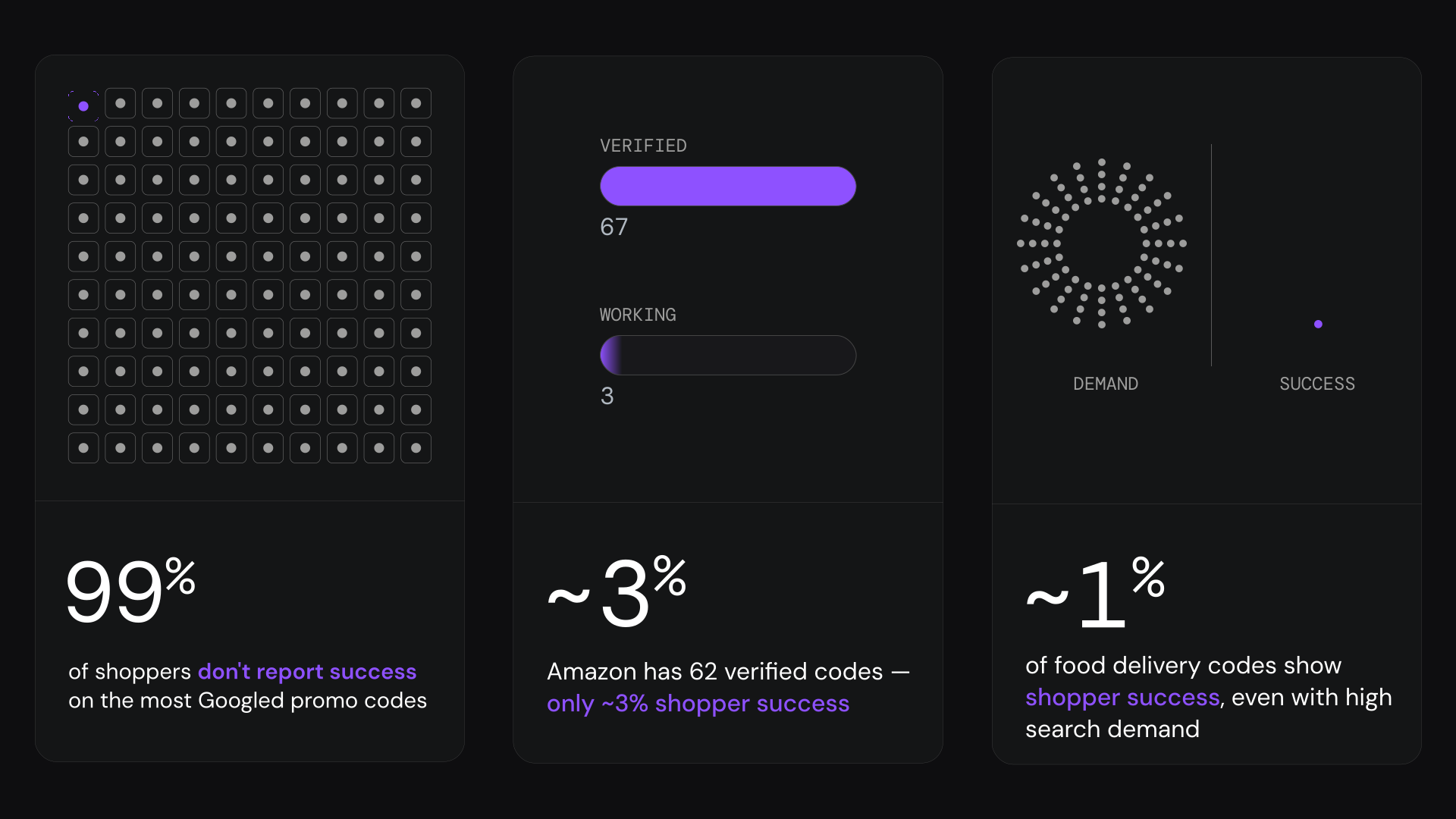
Statistical Dashboards
Metrics, percentages, and status indicators with monochrome base and violet emphasis.
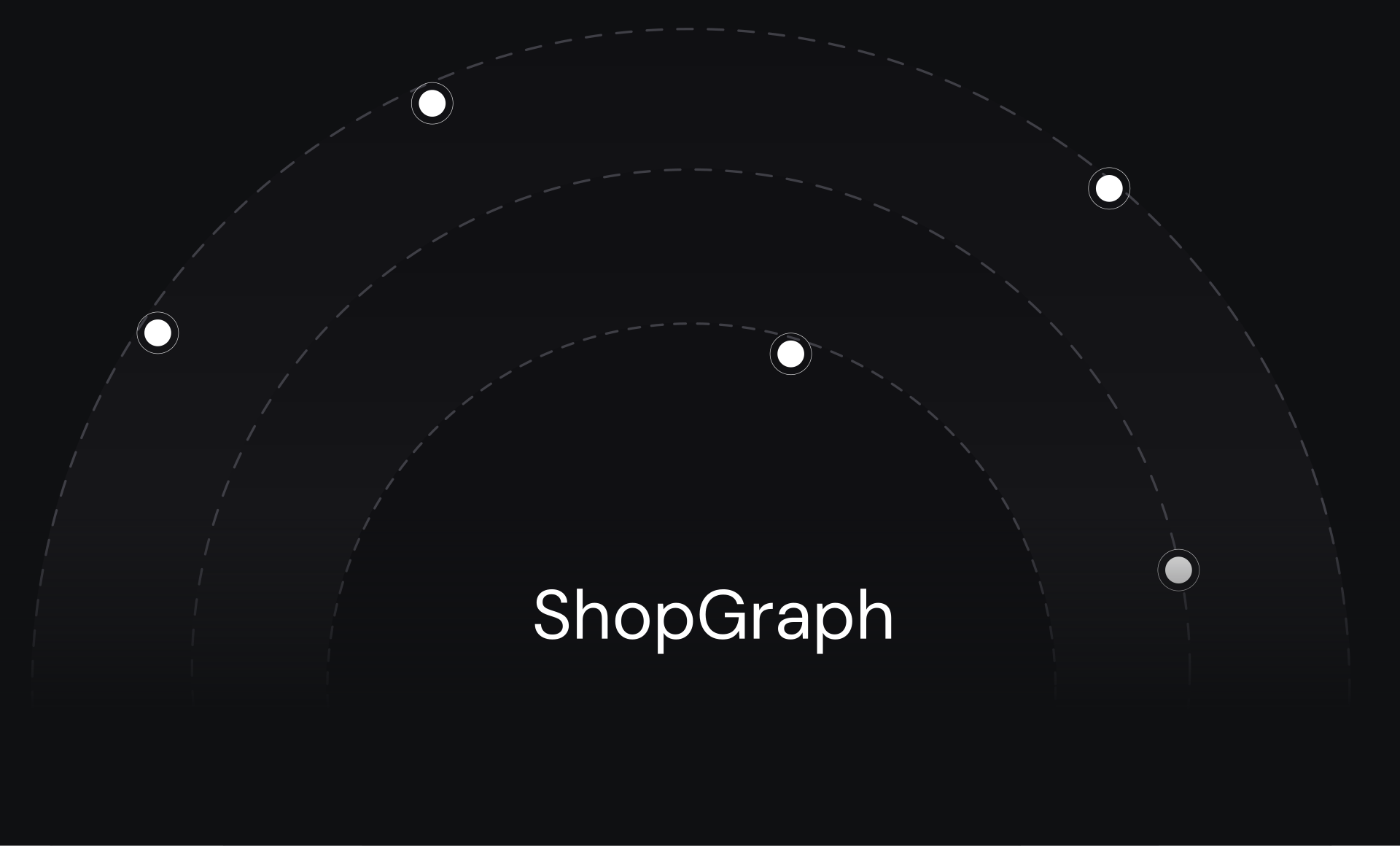
Circular Data Viz
Concentric data rings, radial charts, and orbital visualizations for analytical metrics.
Progress & Verdict
Linear state indicators, progress bars, and verdict readouts with clean data presentation.
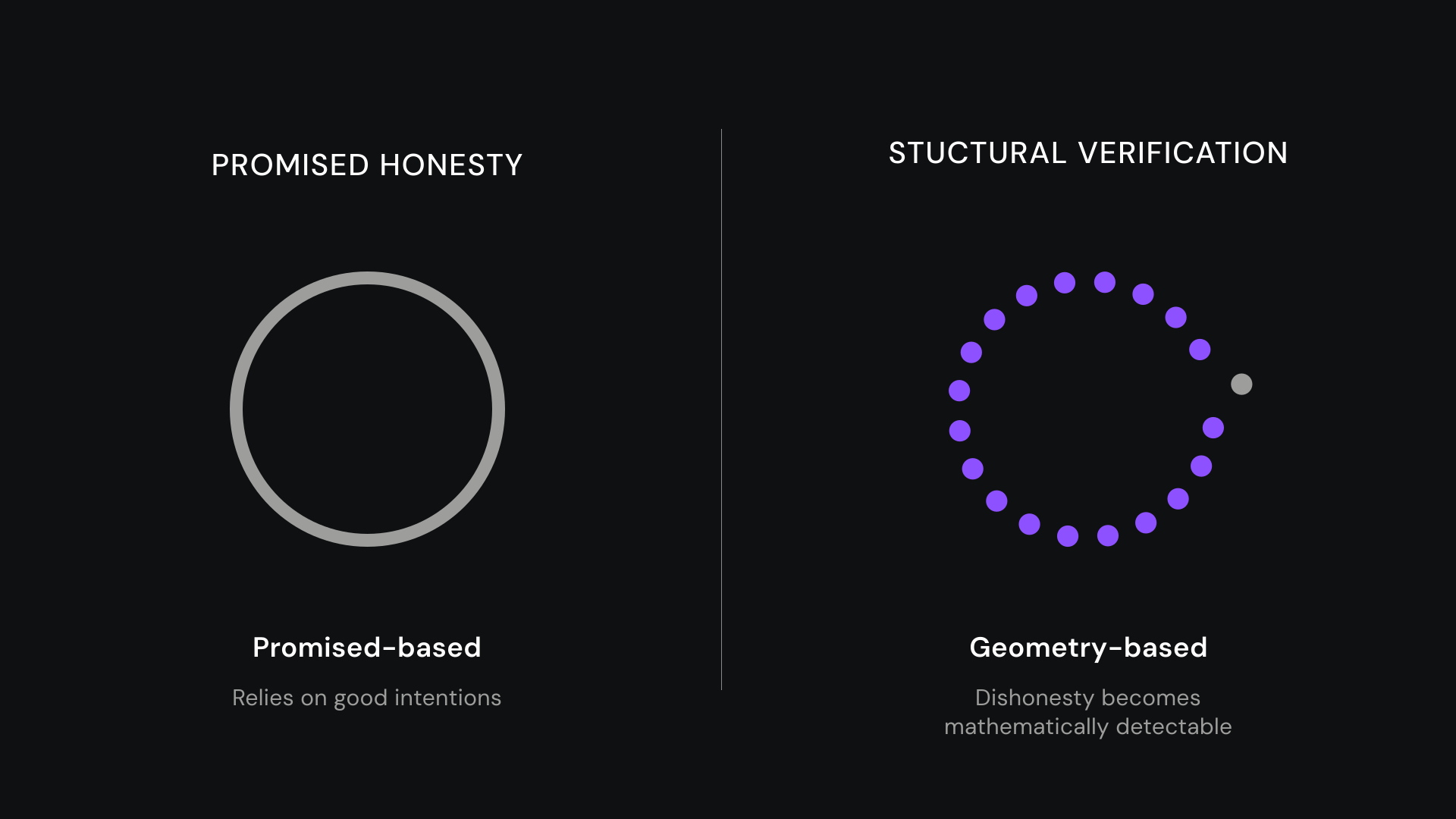
Trust Architecture
Verification systems, layered trust models, and architected confidence frameworks.
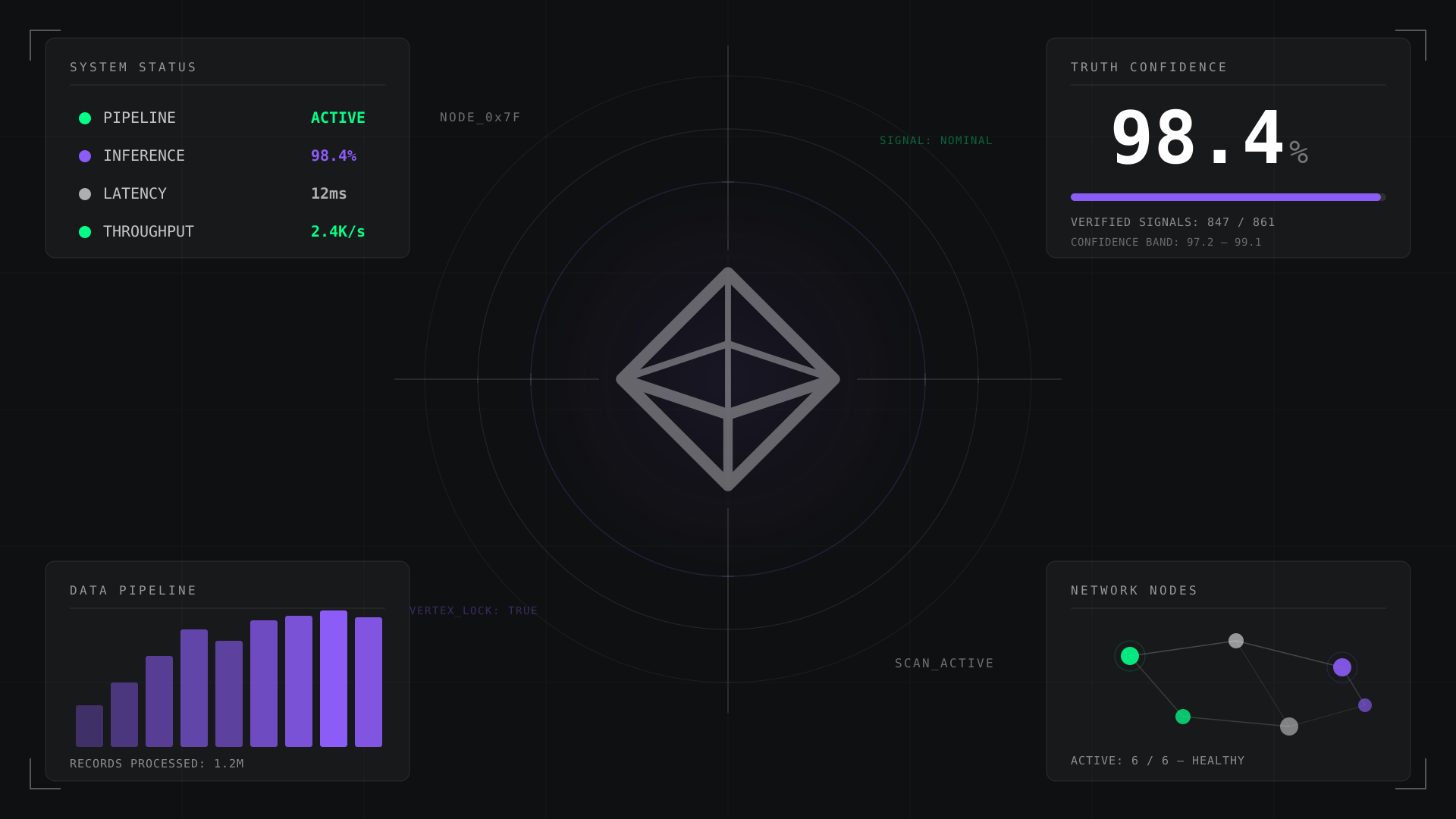
HUD Overlays
Status readouts, system dashboards, and data panels with glass-box treatment and monospace data.
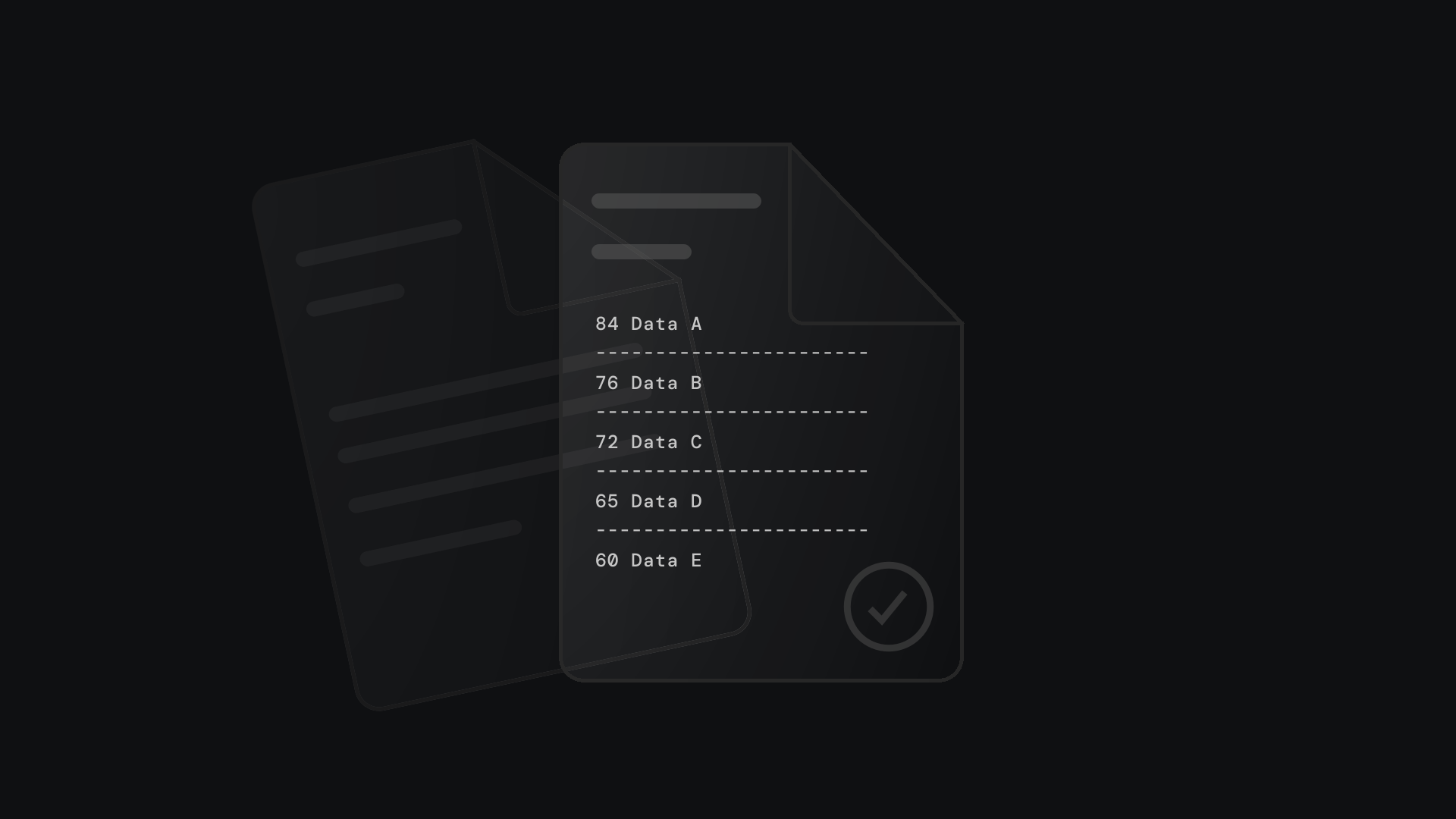
Glass Containers
Layered glass panels showing data structures, proof packets, and verification layers.
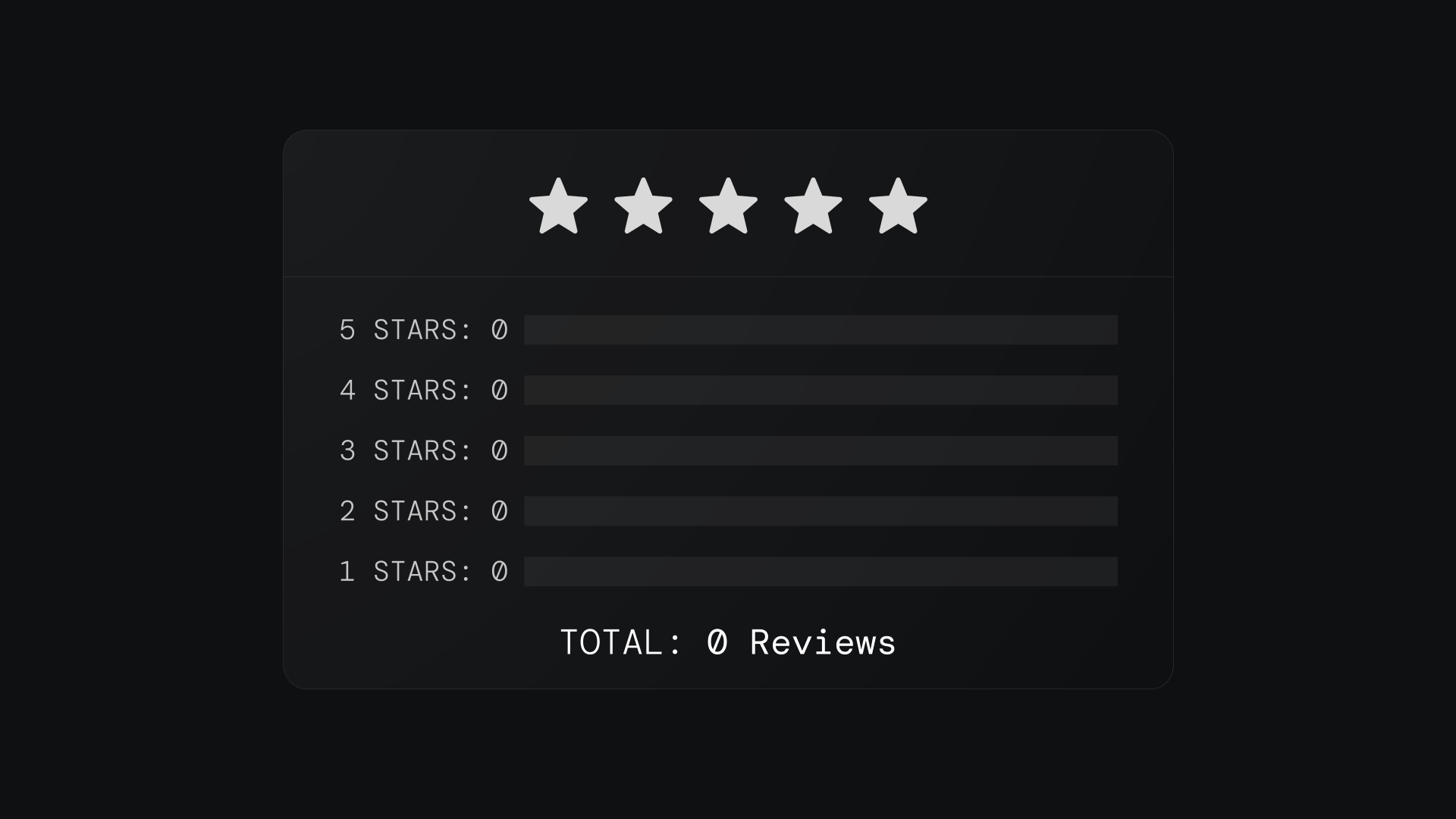
Data Receipts
Structured readouts with ratings, scores, and verification summaries in glass-card format.
Network Grids
Connection maps, alliance networks, and node-based system visualizations.
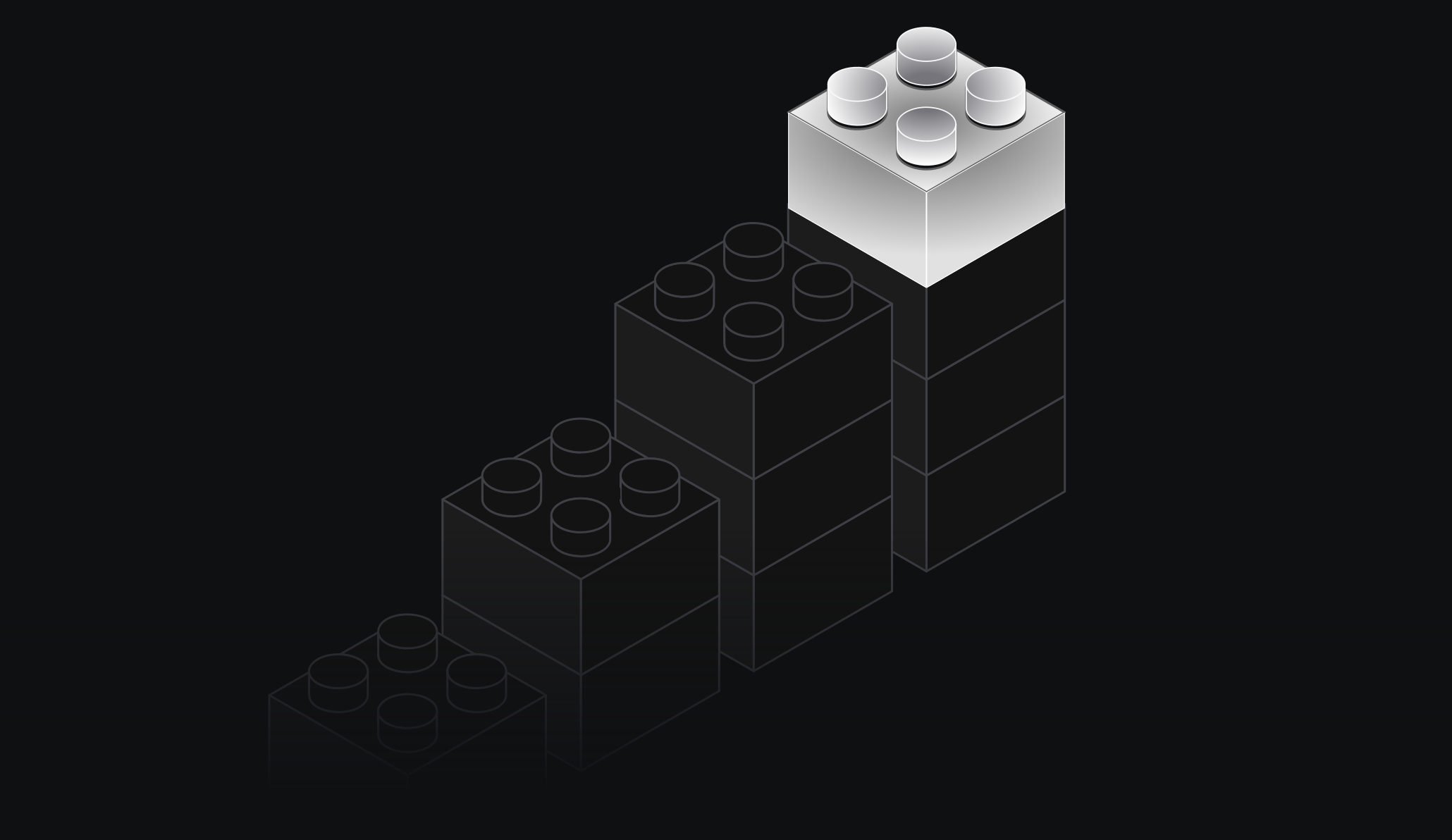
Isometric Objects
3D block forms and structural elements.
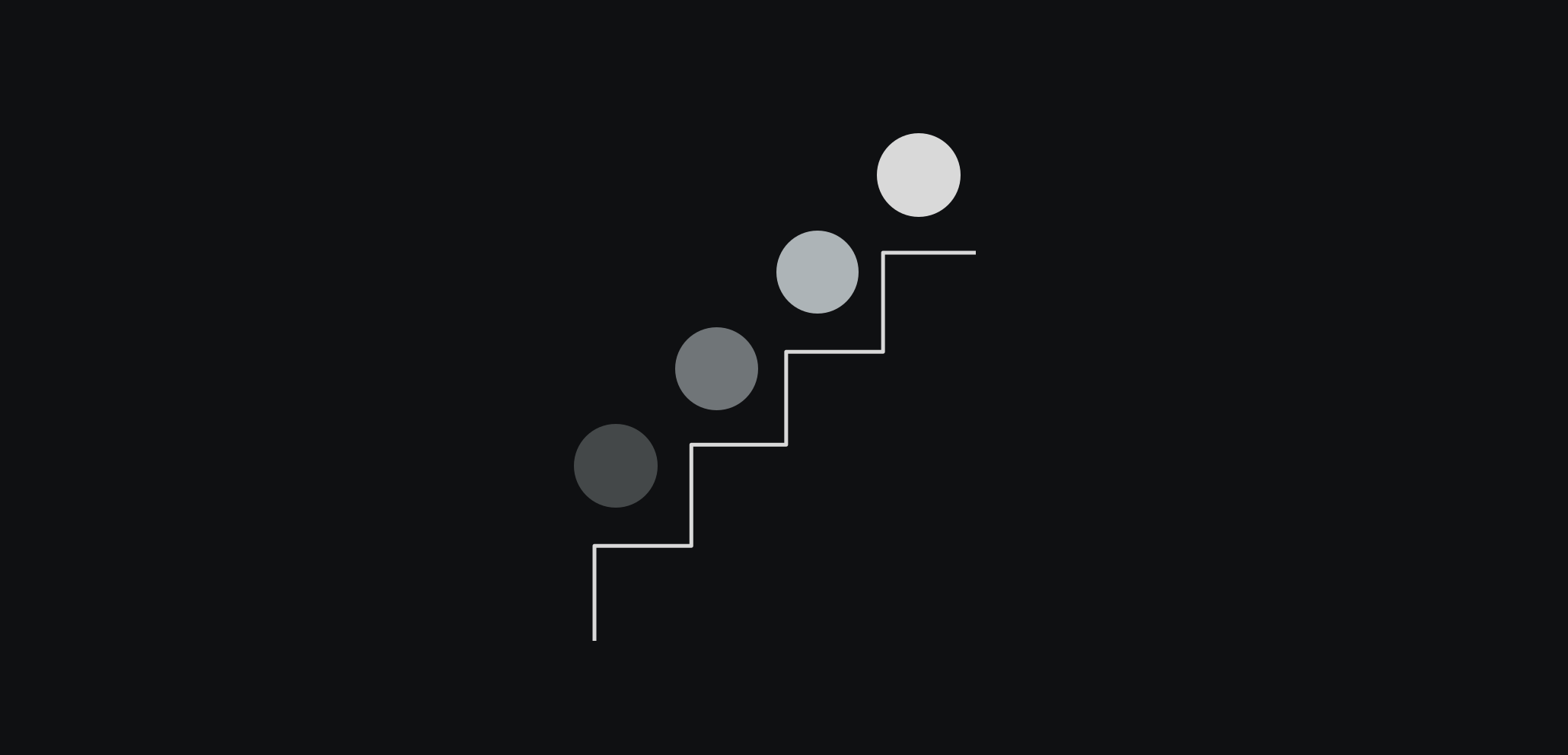
Protocol Flows
Step-by-step process and protocol diagrams.
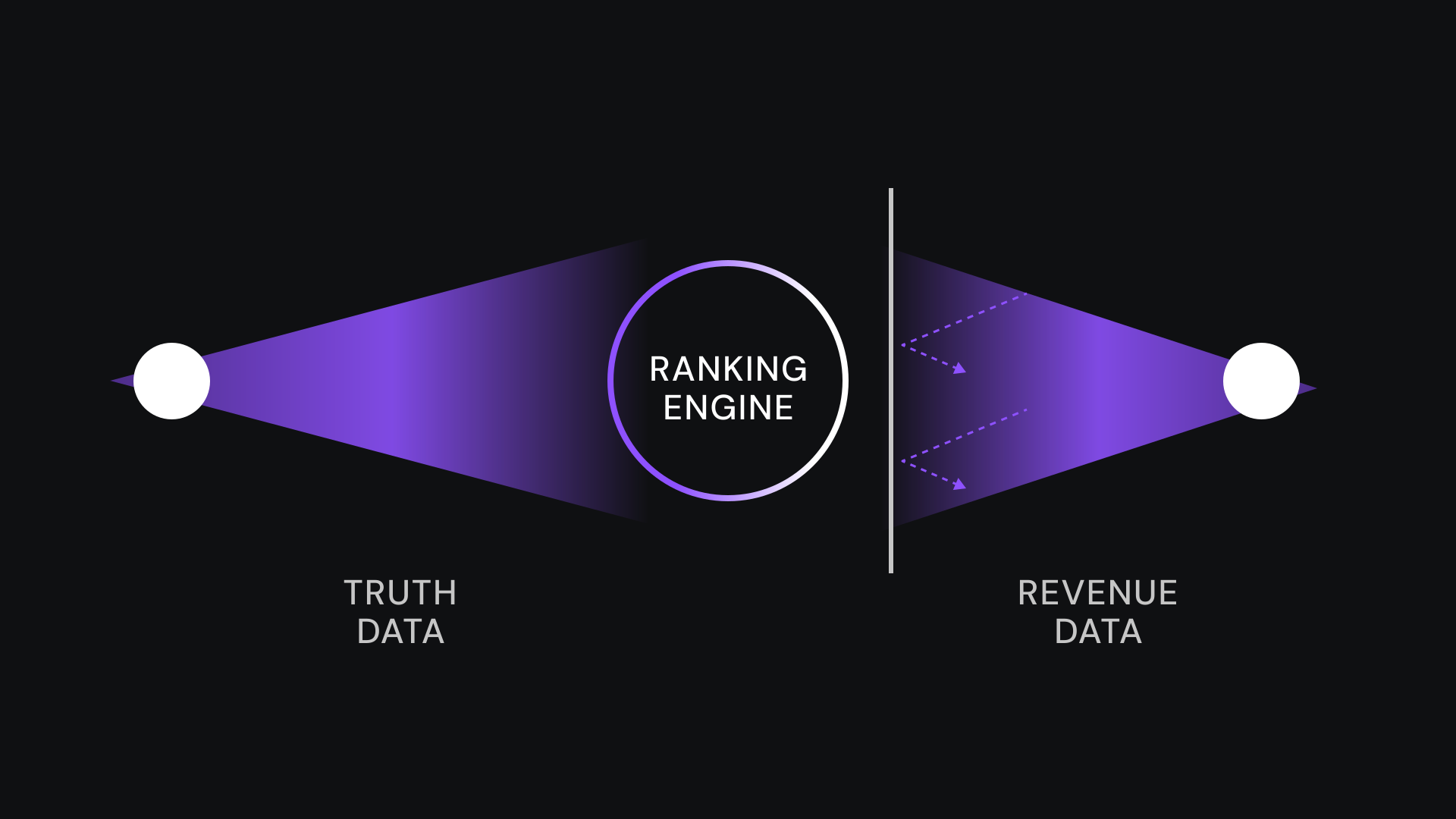
Hero Compositions
Full-scale hero illustrations combining multiple brand elements into a single composition.
Hardlight Systems
Complex system diagrams with layered lighting and architectural depth.
Do's and Don'ts
Clear guidelines for maintaining illustration consistency across the brand.
✓ Do
Use octahedron pattern at low opacity for texture
Pair illustrations with explanatory mono-type data
Show literal objects (a server rack, not a cloud icon)
Use grid overlays to add technical precision
Keep illustrations functional, not decorative
Keep texture opacity low, let content lead, and never stretch or recolor the patterns
✗ Don't
Create abstract shapes that require interpretation
Use octahedron pattern above 20% opacity as background
Repeat the symbol so much it becomes wallpaper
Add illustrations that don't communicate data or structure
Use soft, organic shapes that contradict brand geometry
Approximate illustrations yourself — reach out to the design team. We'd rather build something right than have you approximate it.
Textures enhance, they don't compete. Keep opacity low, let content lead, and never stretch or recolor the patterns. If your layout needs a custom illustration, reach out to the design team — we'd rather build something right than have you approximate it.
Pattern & Texture
Beyond its role as our logo, the octahedron becomes a subtle visual texture. Use it as a repeating pattern at low opacity to add depth and brand presence to backgrounds and surfaces — LinkedIn banners, presentation decks, event signage, and digital collateral.
Brand Textures
These tileable patterns and background treatments are derived from the octahedron's geometry. Use them as subtle environmental layers — never as primary focal points. Available in common aspect ratios for immediate use in presentations, social content, and marketing materials.

Where to Use
LinkedIn banners and social media headers. Presentation slide backgrounds. Event signage and booth graphics. Email templates and digital newsletters. Document headers and report covers.
How to Apply
Keep opacity between 10–15% for backgrounds. Vary scale for visual interest — mix large and small. Never let the pattern compete with content or copy. Works best on dark backgrounds where the subtle geometry adds depth.
Remember: This is a supporting element, not a primary visual. The pattern adds texture and brand recognition without demanding attention. If you can read the content easily over it, you've got the opacity right.